Plan it.Sketch it.Build it.
GridIT takes a website from a page map to a finished, responsive site. Drag blocks onto a grid, see it on desktop and phone, and export real HTML. No code needed.

Drag in a hero banner, resize it, add a photo, write the headline, then check it on a phone.
One project, three stages
Each stage hands its work to the next. Pages made in the sitemap appear in the wireframes, and wireframes become the layout for the real site. Every tool also works on its own.
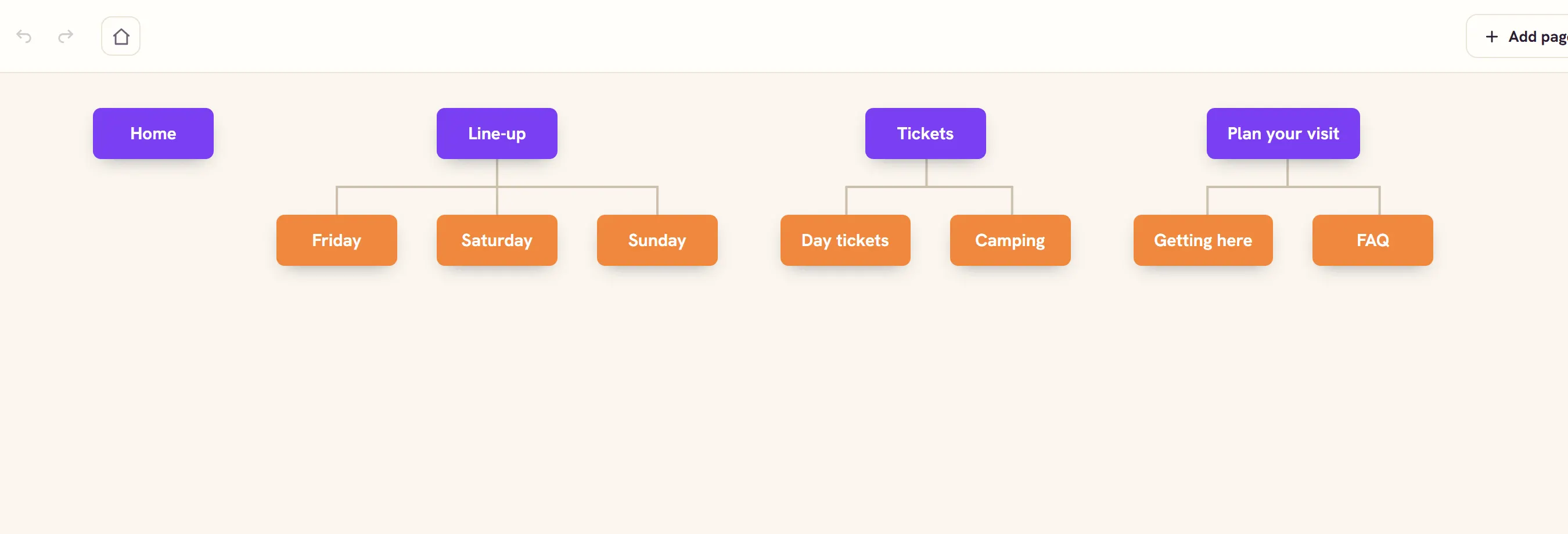
Map out the pages
Start with the structure. Add pages, drag them into place and nest them under a parent to show how the site is organised.
- Keyboard shortcuts to add, nest and rename
- Download the sitemap as an image
Block out each layout
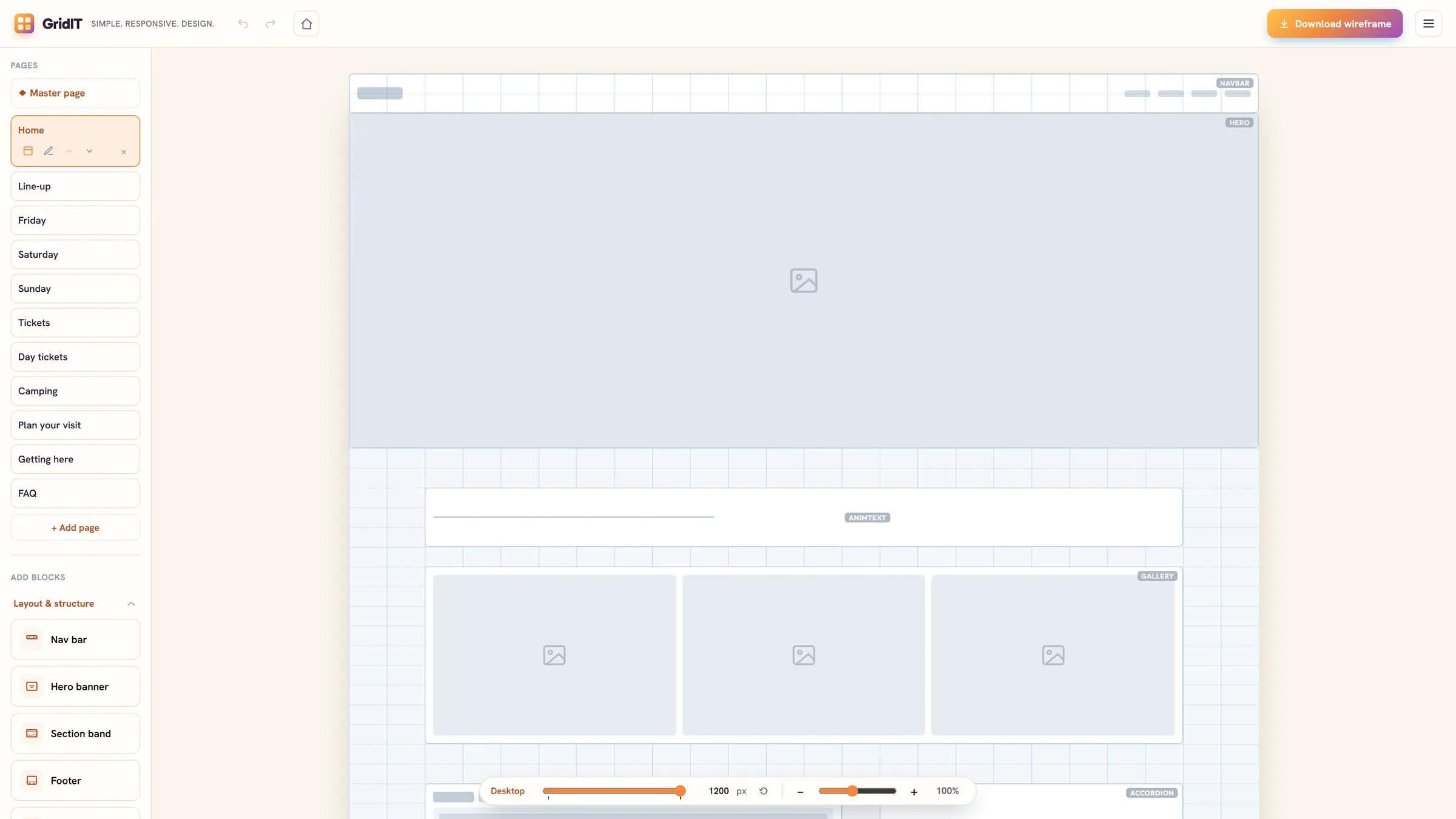
Before choosing colours or photos, sketch where things go. Wireframes use the same blocks as the finished site, drawn as simple grey shapes.
- Every page from the sitemap is ready to lay out
- Download every page as a PNG to share or hand in
Design the real thing
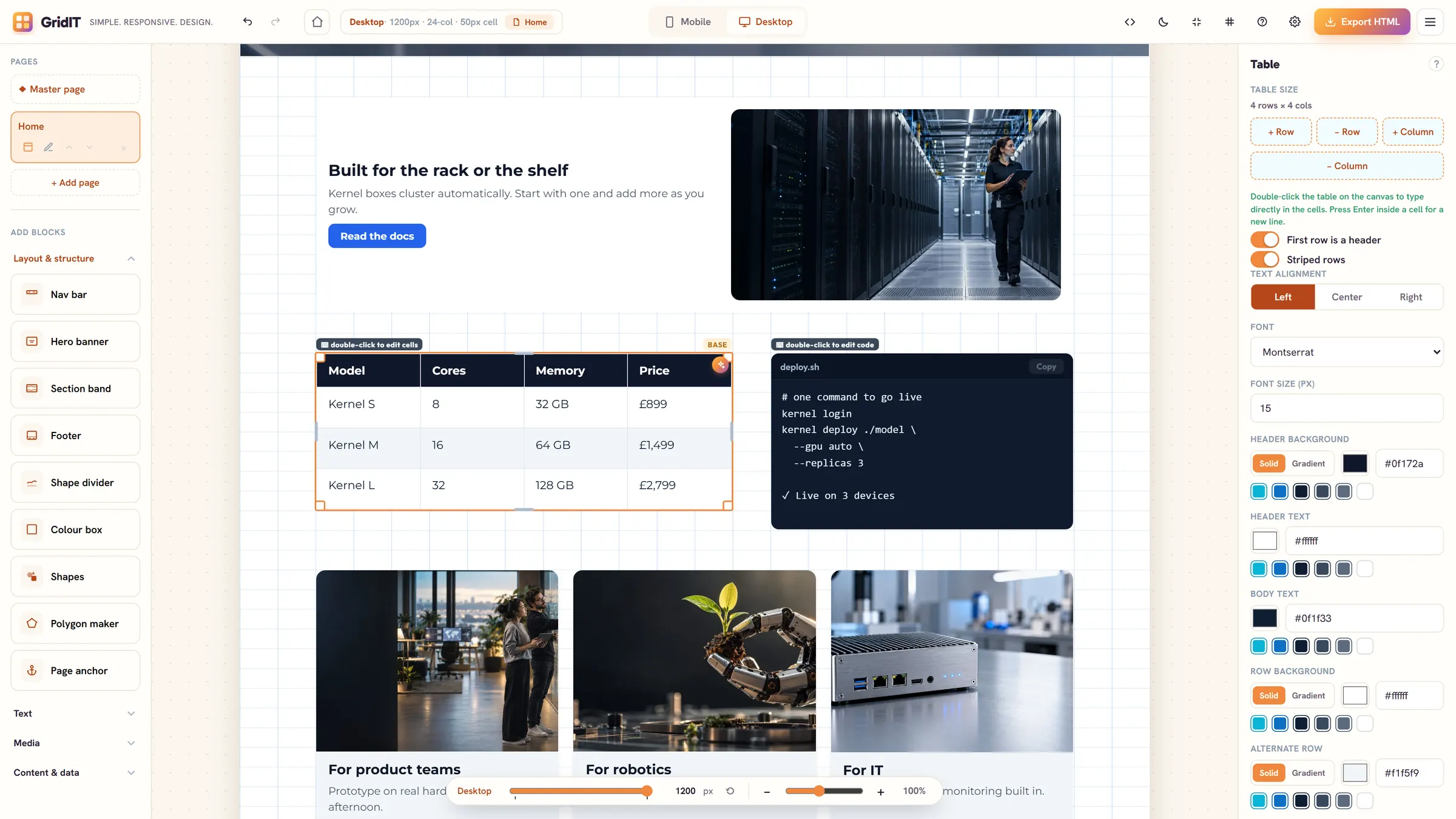
Add real words, photos, fonts and colours. Blocks snap to a 24-column grid, so layouts stay tidy without any code.
- Site colours that update everywhere at once
- A master page for the nav and footer
- Undo, redo and a live preview
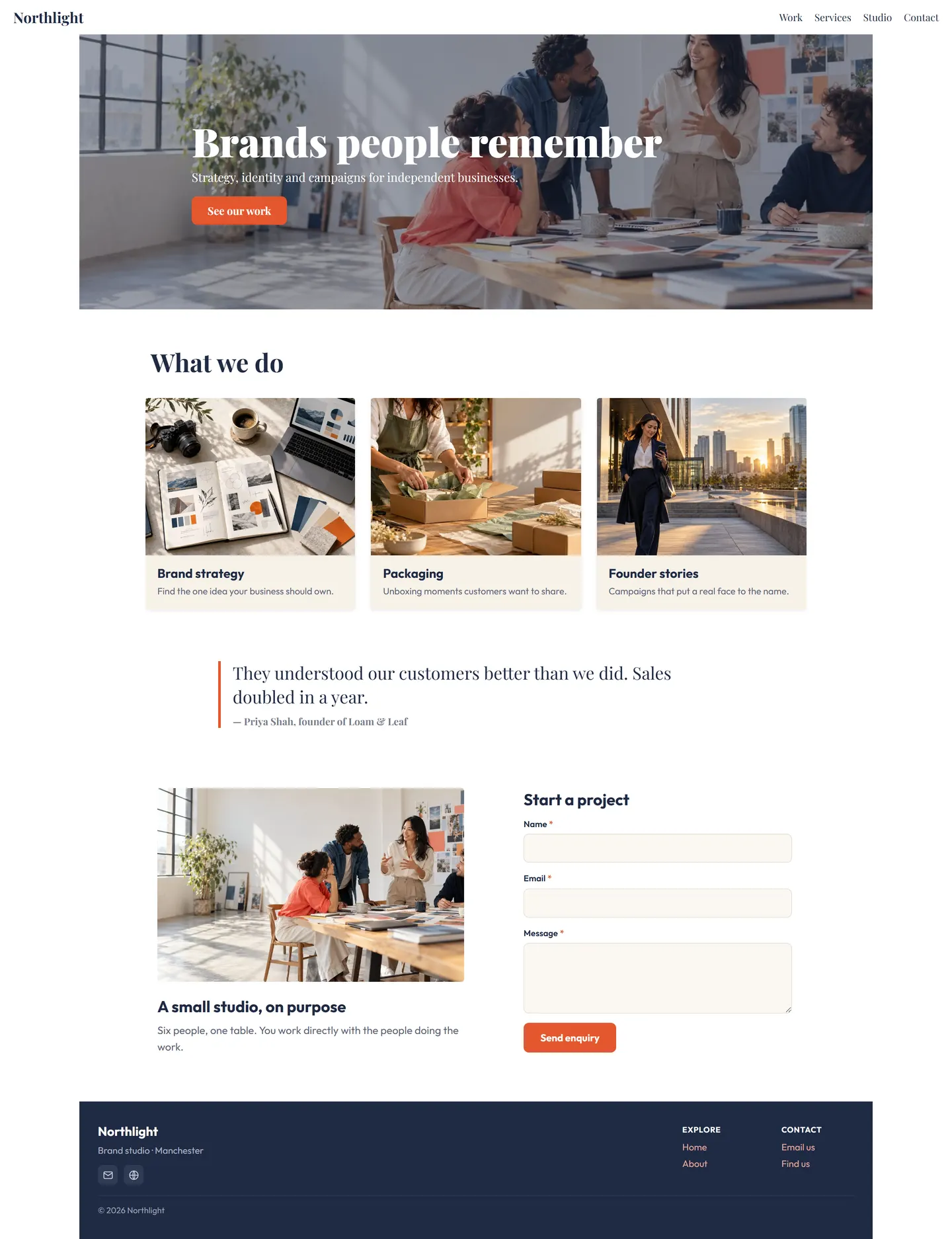
Made with GridIT
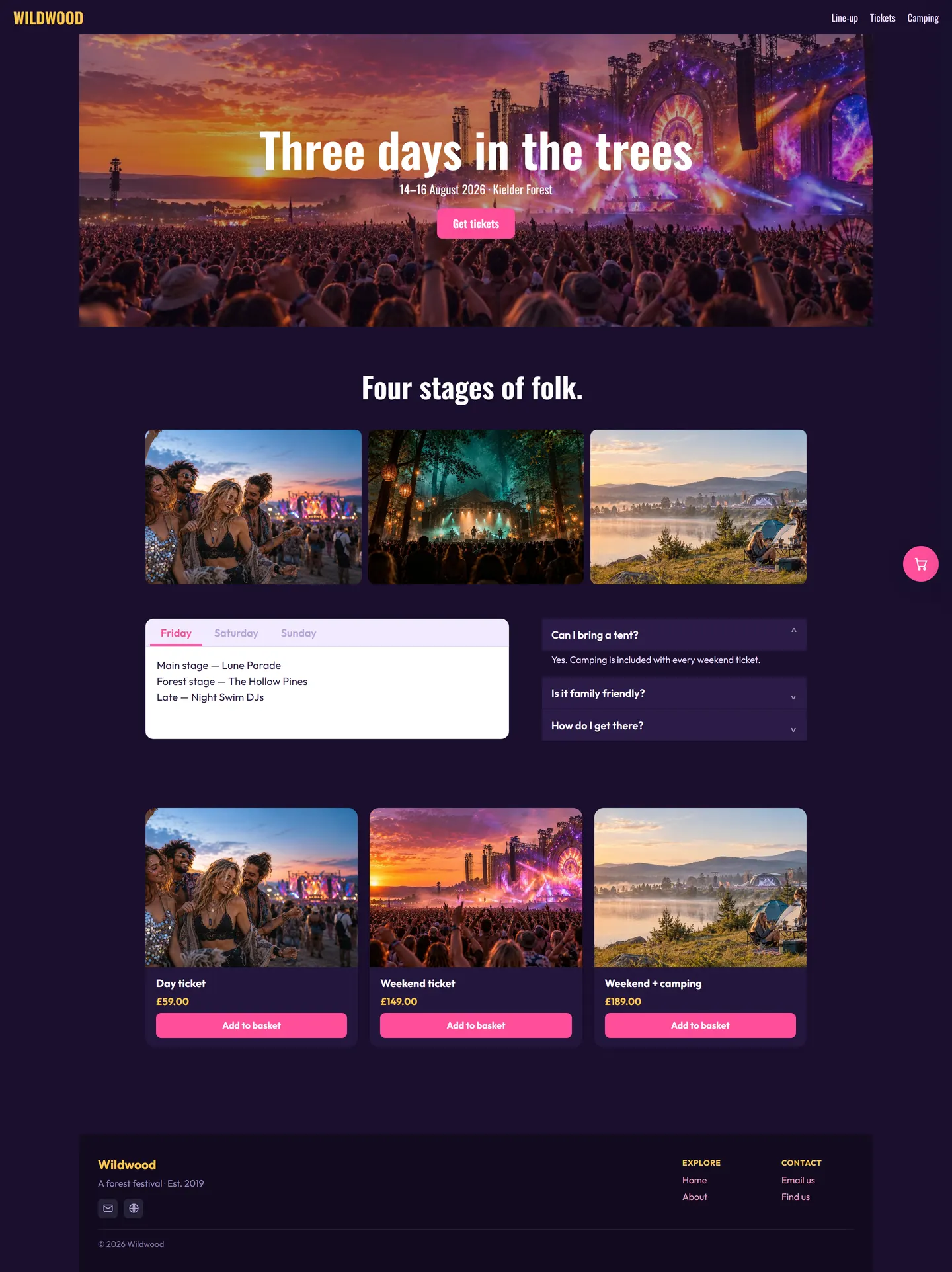
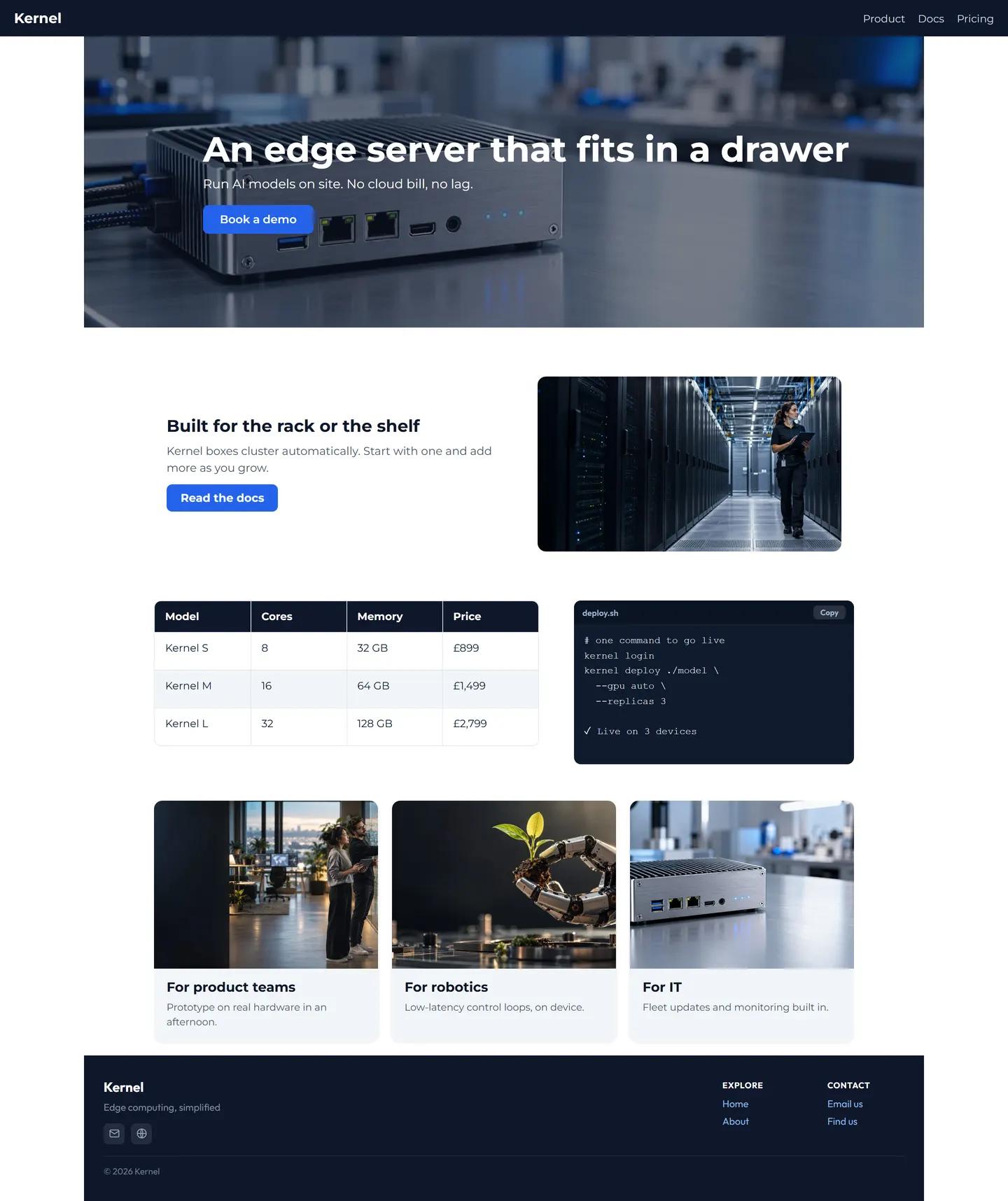
Three homepages built in the editor and exported without changes. Hover over one to scroll through the whole page.
One design for desktop and phone
Switch to mobile and GridIT has already stacked the page. Move or resize anything for the smaller screen without touching the desktop layout.

Export clean HTML
One click gives you a standalone web page with its fonts and images included, ready to upload anywhere.
Save to file or Google Drive
Keep a project as a file, or save it to your own Drive and carry on from any computer.
Nothing to install
GridIT runs in the browser. Sign in with Google and you're in.
More than text and pictures
Over 30 ready-made blocks cover what real websites need. Every example here is a real block, captured from the pages above.

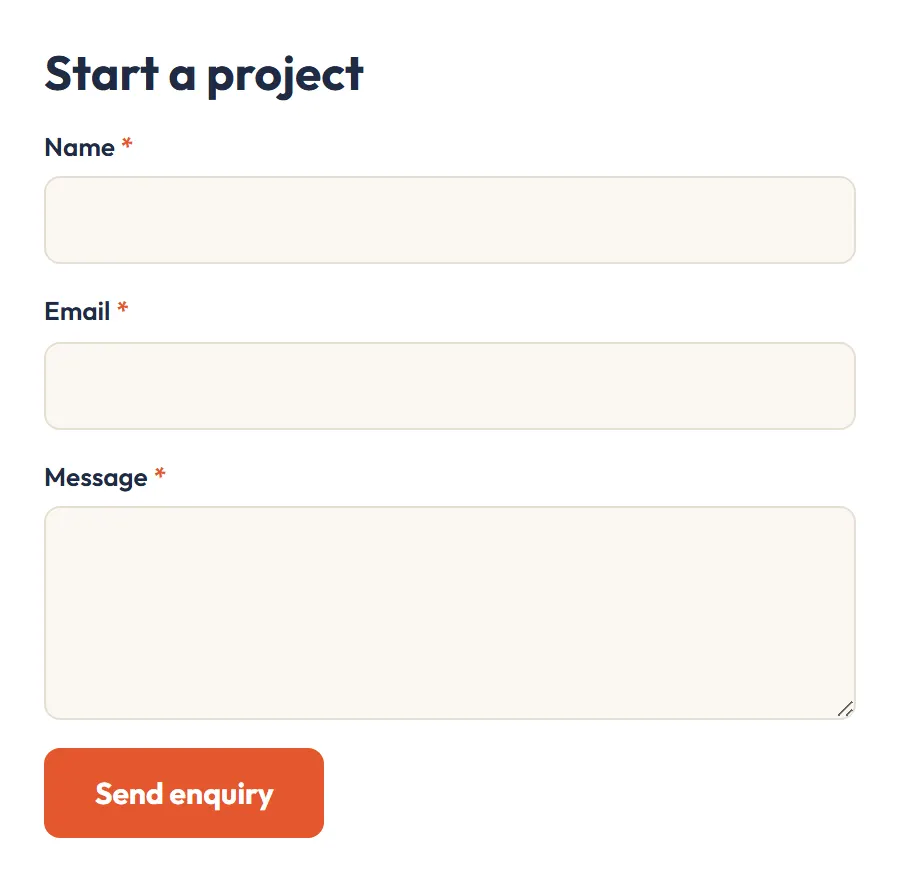
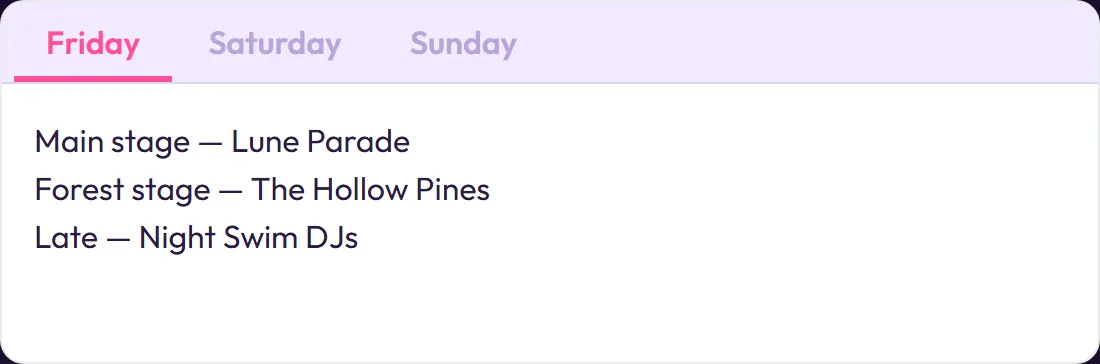
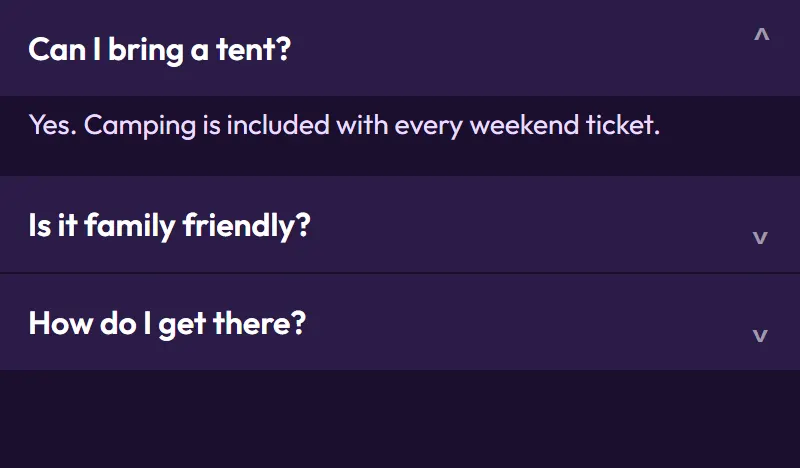

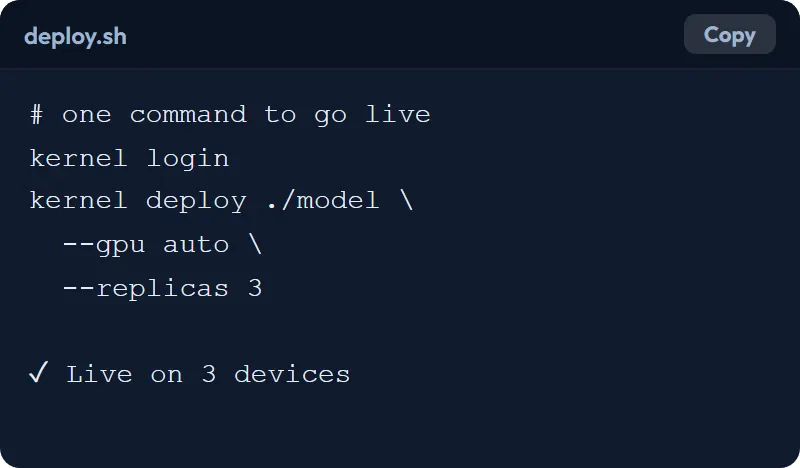

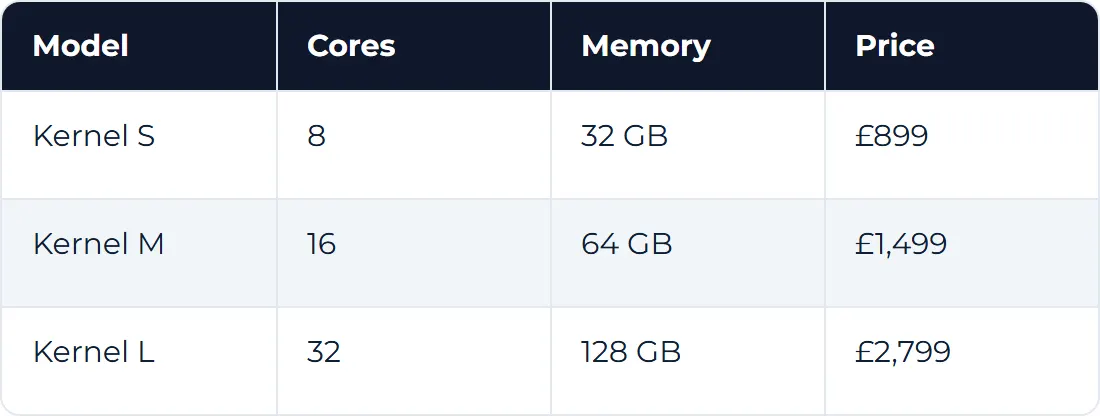
Plus nav bars, hero banners, card grids, sliders, image and text, animated text, video and YouTube, a video maker, site search, shapes, dividers and scroll animations.
One key for you, your team or your class
GridIT is licensed per account. Get a key just for yourself, or one key with a seat for everyone in your business, team or classroom. Each seat is tied to that person's Google account.
- Sign in with GoogleNo new passwords. One sign-in covers GridIT and saving to Drive.
- Enter your licence keyIt comes with your licence, or from whoever manages your team or class. You only enter it once.
- Start from any computerShared computers are cleared when you sign out, so the next person starts fresh.